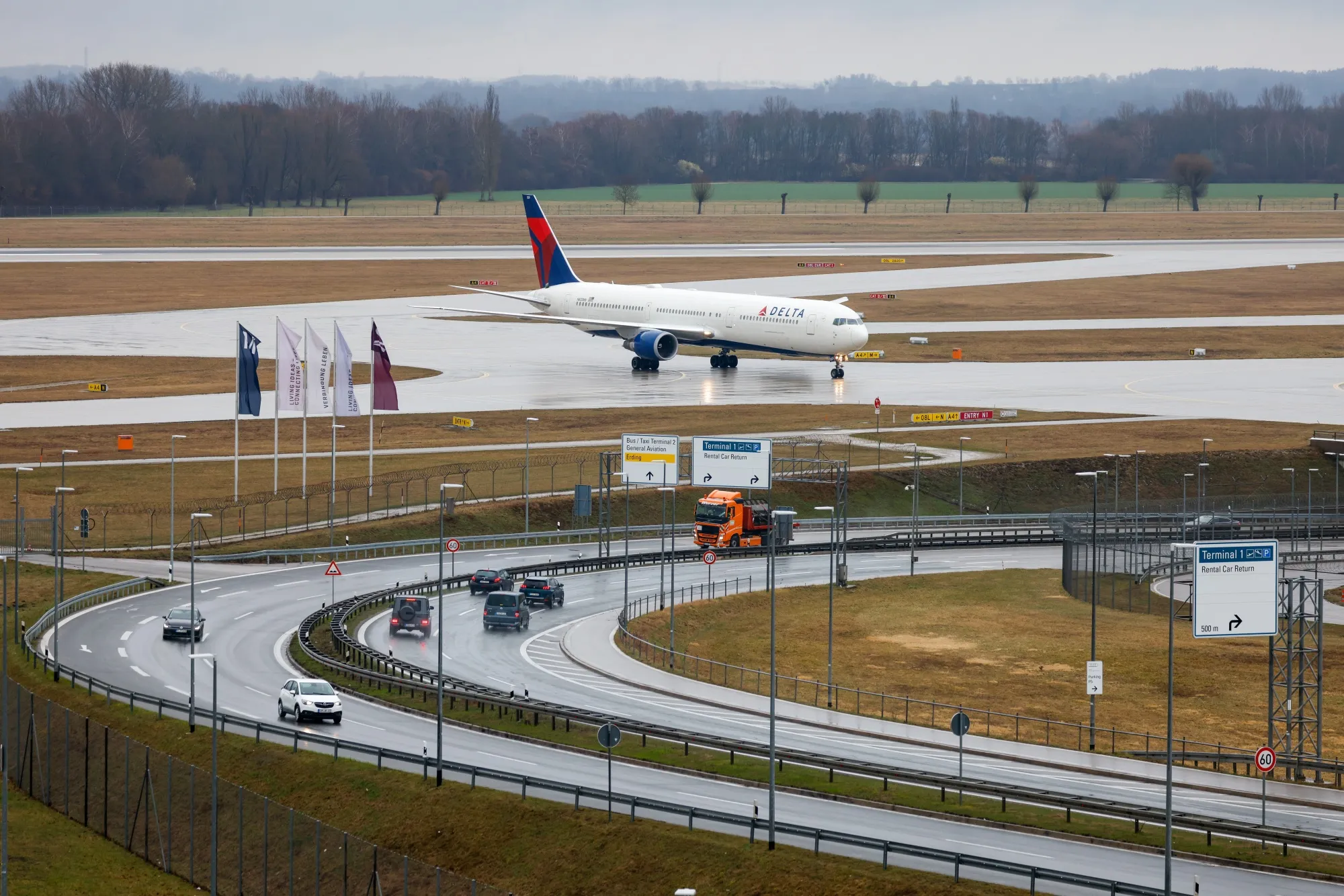
Image: bloomberg.com
Last week, Delta Air Lines faced a probe into unauthorized Wi-Fi access during a flight, highlighting a gap in how we treat mobile transit as an extension of the office. For a 40-person firm in Wausau, this isn't just an airline problem; it is a signal that the tools your team uses to stay productive on the road—like In-Flight Entertainment (IFE) portals or satellite internet—are now primary vectors for operational disruption.
When your lead sales rep or project manager hops on a flight from Central Wisconsin Airport (CWA), they aren't just logging into a portal; they are effectively bridging your internal corporate network to a public, high-traffic environment. If the underlying API for that airline's connectivity provider is being probed or exploited, the session your team member is running via a VPN could be compromised before the plane even hits cruising altitude. This reality forces us to rethink how we configure mobile endpoints for staff who travel.
The Hidden Cost of Transit Connectivity
According to a 2024 report by the SANS Institute, nearly 35% of remote access incidents originate from compromised or misconfigured public network gateways. When we talk about transit infrastructure, we often focus on the airline's responsibility, but the real cost lands on your P&L when a proprietary document is intercepted or a device is fingerprinted by a malicious actor sitting in row 12. For my clients, the goal isn't to stop traveling, but to build a robust "transit-first" configuration policy that treats an airplane seat like a high-risk remote node.
Configuring Devices for the Unpredictable
On Monday morning, stop relying on standard user configurations for traveling laptops. I recommend implementing a Conditional Access policy in Microsoft Entra ID (formerly Azure Active Directory) that strictly enforces device health. If a user tries to connect from an unrecognized IP range or a known flight-path proxy, the system should trigger a mandatory MFA re-authentication or, better yet, block access to sensitive SharePoint or CRM assets until they are back on a trusted, encrypted network or an approved cellular hotspot.
For example, a client of mine recently automated their laptop fleet using Microsoft Intune and Autopilot. We configured a script that automatically disables the wireless adapter's ability to "auto-join" open networks. When an employee is in the air, the machine is hard-coded to ignore any SSID that doesn't match our pre-approved, encrypted tunnel parameters. This prevents the machine from handshaking with a rogue hotspot masquerading as the airline's official Wi-Fi.
Moving Beyond Reliance on Public Portals
We must stop assuming that the "Terms of Service" page on an airline Wi-Fi portal is a safe place to input credentials. Instead of navigating browser-based gateways, use dedicated cellular LTE/5G bridge devices or enterprise-grade mobile hotspots that utilize private APNs. By tunneling traffic through a solution like Azure Front Door, you can ensure that even if the public Wi-Fi is being probed, your team's traffic is encapsulated and routed through a hardened edge, effectively bypassing the local network entirely.
Action Plan: The Monday Morning Audit
If you have employees traveling this week, perform these three tasks immediately. First, audit your Intune device compliance policies to ensure they require a "Compliant" status for any machine accessing Microsoft 365. Second, force a password rotation for any employee who recently traveled and utilized public transit Wi-Fi for corporate work. Third, push a GPO (Group Policy Object) update that forces "Always-on VPN" using an IKEv2 or WireGuard protocol, ensuring that not a single byte of data leaves the machine without first being encrypted.
Infrastructure is only as reliable as its weakest link, and right now, the transit providers your team uses are being put to the test. Addressing this doesn't require a total overhaul of your IT strategy, just a shift in how you view the physical locations from which your business operates. If you are concerned about how your current remote access policies stack up against these new logistical realities, feel free to check out my contact page or explore my managed services to see how I help Wausau businesses stay resilient.
If you want to read more, check out the original article.

20+ years in IT systems, automation, and full-stack development. Learn more →